
Rust hosting.
Wipe. Repop.
Repeat.
Rust server hosting for admins who run wipes, not just servers. Set your schedule once and your players get the countdown in game, while the server browser shows the cadence they filter by.
- CPU
- AMD Ryzen 9 7950X
- Memory
- DDR5, dedicated
- Storage
- NVMe SSD
- Network
- DDoS filtered
- Locations
- London, Frankfurt, Helsinki, Virginia, Dallas and Sydney

Every wipe,
a fresh map.
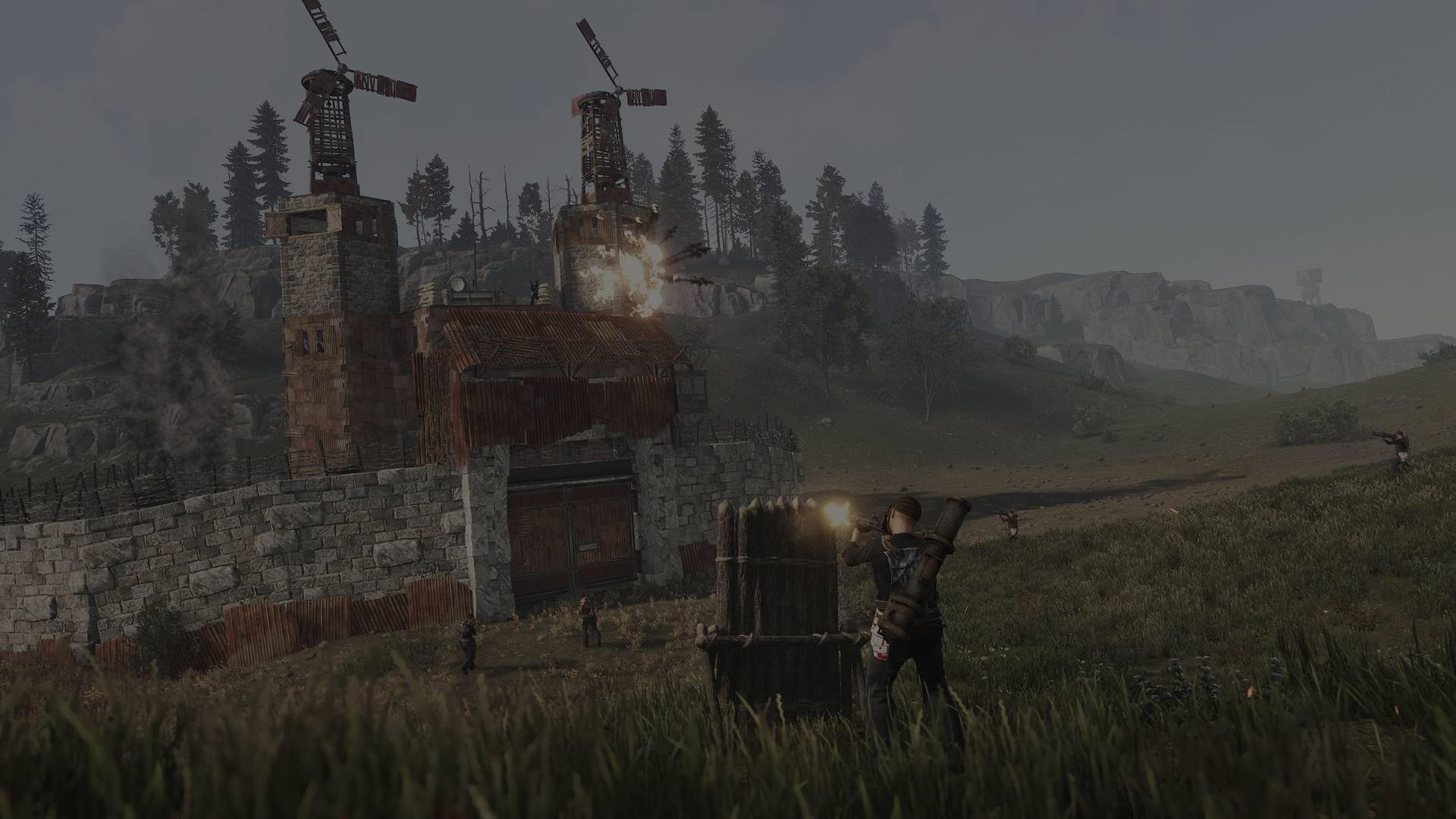
Watch it generate, fill up and force-wipe. Hover the grid to call out a square. Procedural maps at the size and seed you choose.
First Thursday,
every server
goes boom.
Facepunch force-wipes every Rust server once a month, and a wipe that goes wrong is the fastest way to lose a community. Here is what actually happens, in order, and where we take the work off you.
- 01 Patch lands First Thursday of the month, 19:00 London time. Every Rust server in the world wipes.
- 02 Build updates Nobody can join until your server runs the new build, so update before anything else.
- 03 Plugins catch up Oxide and Carbon rebuild for the new version. Anything pinned to the old one stops loading.
- 04 Back up first A wipe deletes files for good. Take the backup before you pull the trigger, not after.
- 05 The map goes Six files, all starting proceduralmap. Two of them are rolling saves a *.sav pattern misses — the usual reason a “wipe” leaves the old map standing.
- 06 Blueprints, if you want One database file, plus its -wal sibling. Skip the -wal and deleted progress can come back.
- 07 The browser hears it Your cadence tag and in-game countdown tell players when you wipe. We set both from your schedule.
How big is
your crowd?
Size for your wipe-day peak, not your average. Drag to the pop you expect and we'll size the box for it, then upgrade as the server grows without losing your map.

Where most community servers live: 2x, 5x and modded.
- Players
- 51–120
- RAM
- 16 GB
- CPU cores
- 3
- Map size
- up to 4000
- NVMe
- 60 GB
- Backups
- 7 kept
- Wipe schedule, shown in game and in the browser
- Oxide, Carbon or vanilla
- Import from your old host
- Backups with one-click restore
- DDoS filtering
Switching hosts?
Bring your server
with you.
Free on every plan. The Import tab copies your files, plugins, player data and map from your old host over SFTP, and your old server keeps running until you switch.
- 1 Connect your old hostPaste its SFTP details into the Import tab. The importer only reads from it.
- 2 Pick and copyPreview what is on the old server, choose the folders, and copy them into your new one.
- 3 You switchStart the server, check it, then point your domain or post the new connect address.
Grow the pop.
Not the
to-do list.
- Oxide, Carbon or vanilla
- Switch from Server Settings whenever you like. No reinstall, no ticket; it applies on the next restart.
- One wipe schedule, two jobs
- Set weekly, fortnightly or monthly once. It drives the countdown players see in game and the cadence tag they see in the server browser.
- Free import tool
- Give the importer your old host's SFTP details and it copies the map, the plugins and the player data across. Your old server keeps running until you say go.
- Backups you can actually use
- Take one before you wipe and restore it from the dashboard in one click. Plans keep up to 3, 7, 14 or 30.
 [Your server] · EU Main · Monthly Online
Made for nights
like these.
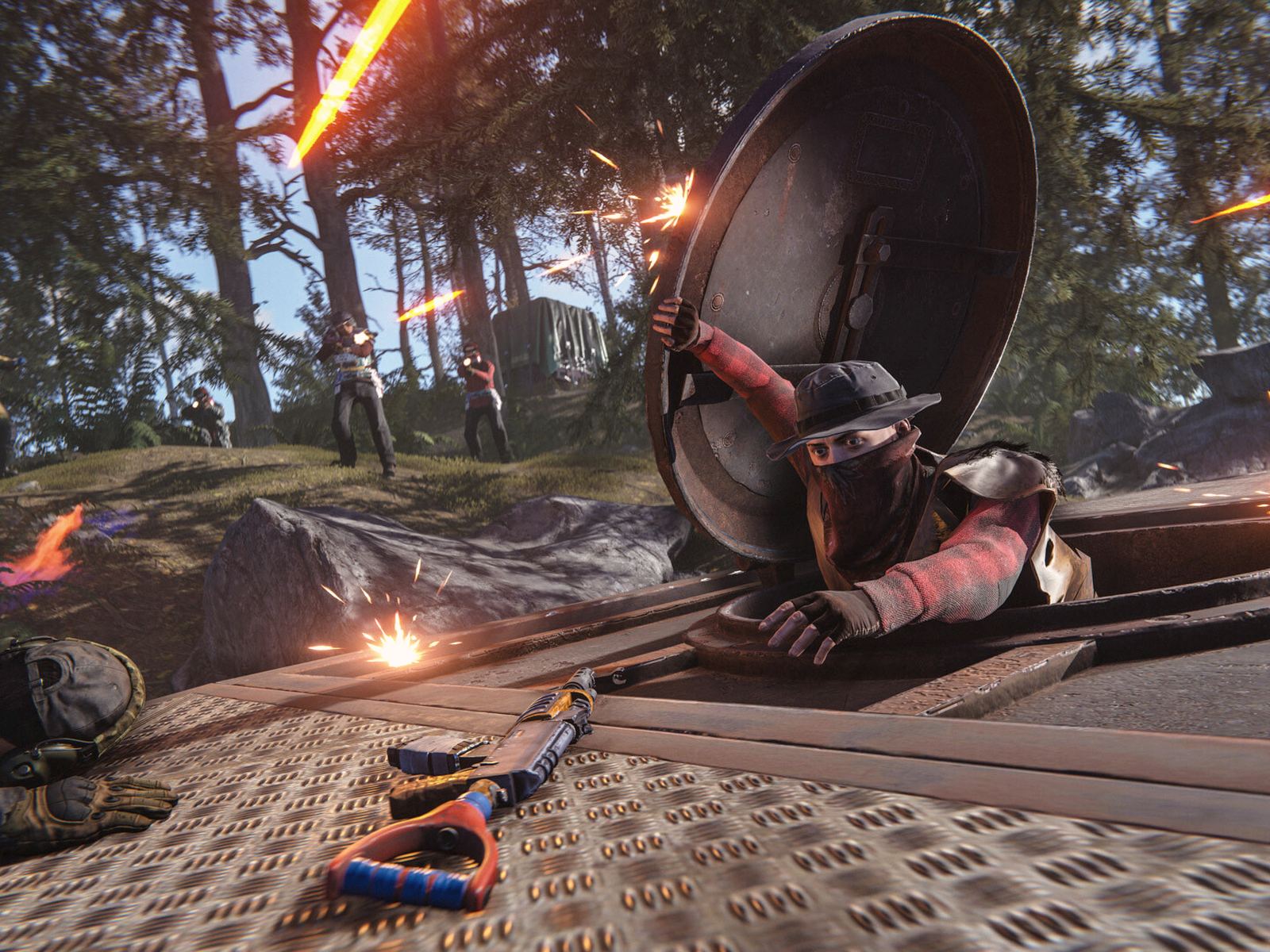
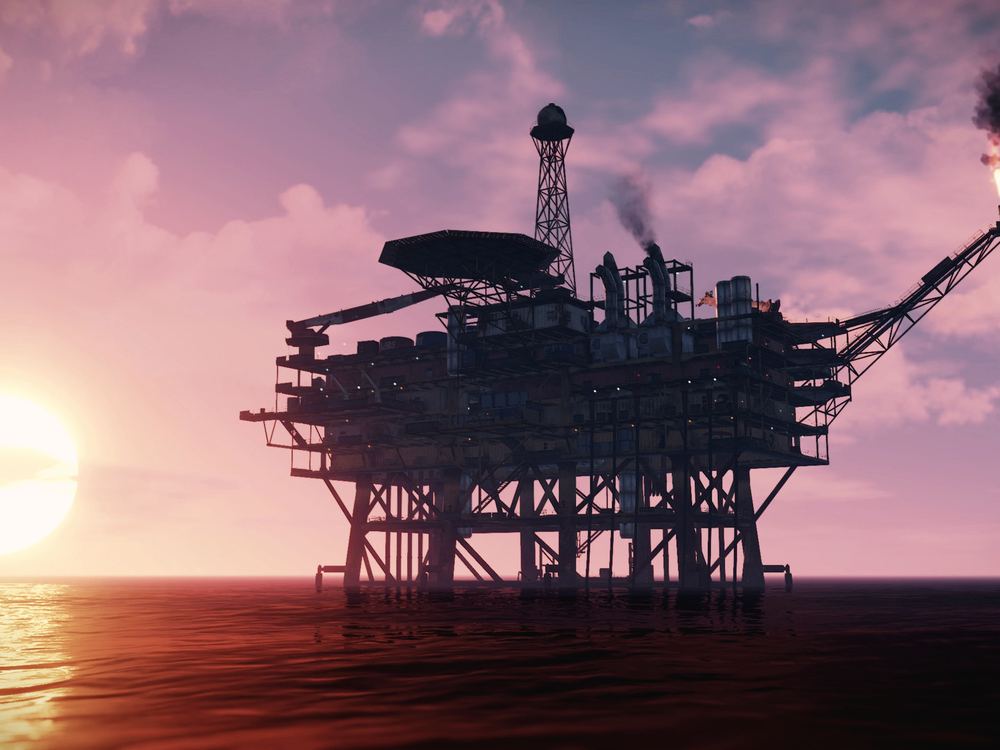
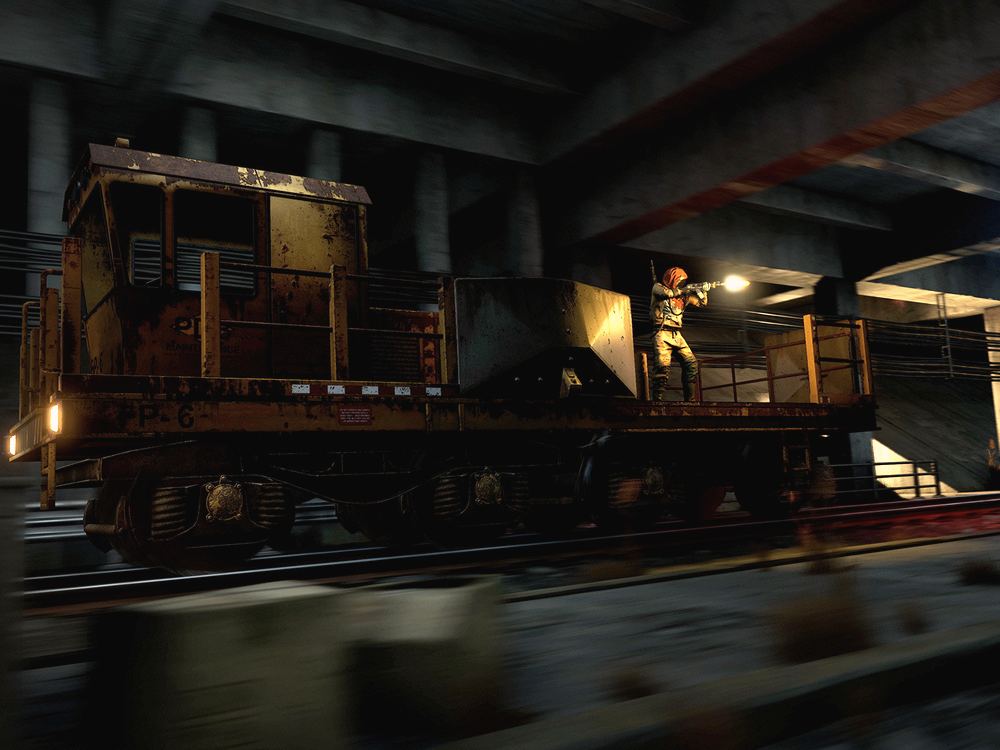
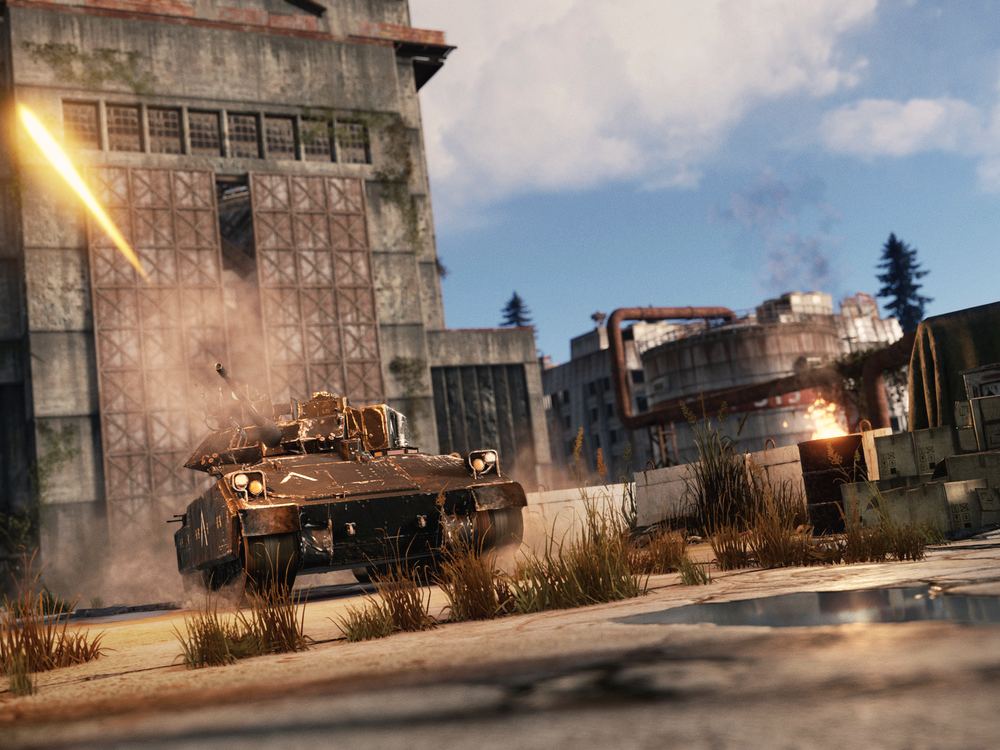
Oil Rig at sunset, rockets at 3 a.m., the first frantic hour after wipe. Your players remember the nights. We keep the lights on for them.

Run by the people behind Connect Hosting, official BeamMP partner.
Before
you build.
How do I know what size to get?
Go by your wipe-day peak, not your average. Heavy plugin stacks and big custom maps push you up a size. If you outgrow it, upgrade from the panel and keep your map.
Oxide/uMod or Carbon?
Either, on every plan. Servers start on vanilla; switch in Server Settings and restart. Most uMod plugins run on Carbon too.
Why didn't my wipe actually wipe?
Almost always a delete pattern that misses a file. Rust keeps rolling map backups at .sav.1 and .sav.2, so a script matching *.sav leaves the old map sitting there and players log back into their bases. The other one: every SQLite file has a -wal sibling, and deleting the database without it can replay the old data straight back. We confirmed both on a live server rather than trusting the egg defaults.
Can I bring my server from another host?
Yes, on every plan, for free. Paste your current host's SFTP details into the Import tab and it copies your files, plugins, data and map across. Your old server is only read, so it keeps running until you switch.